
Installs
10,000,000+
Price
Free
Developers
GoPro
Content Rating
Everyone
Android Version
Varies with device
Version
VARY
GoPro Quik: Video Editor APP Download
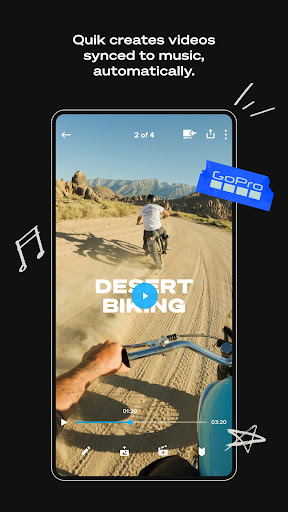
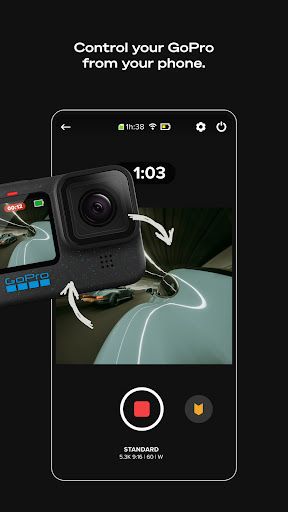
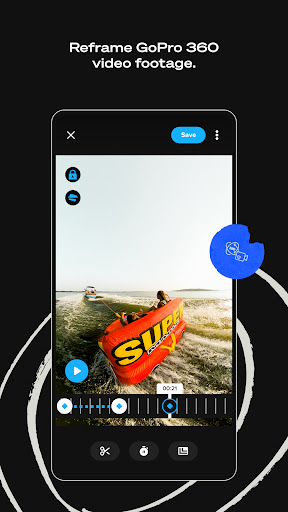
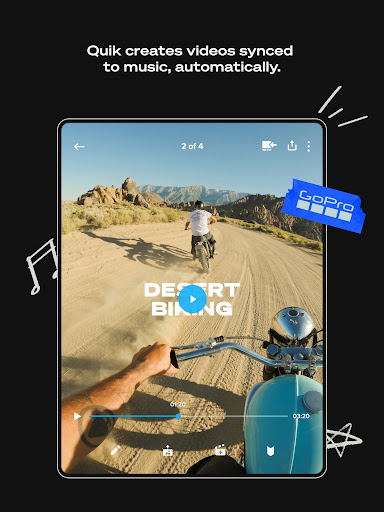
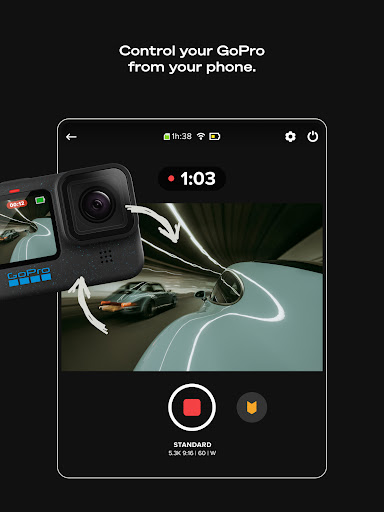
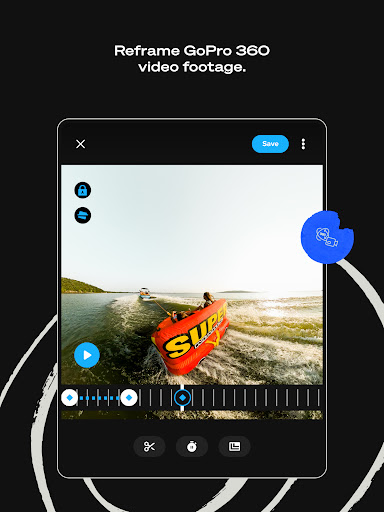
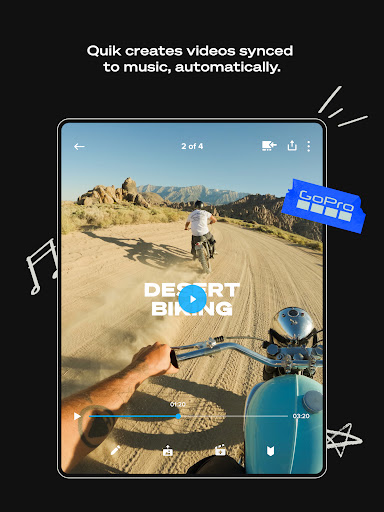
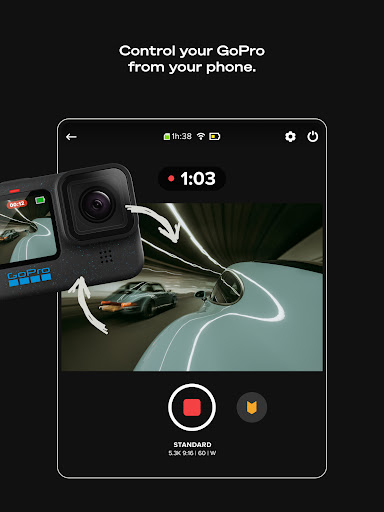
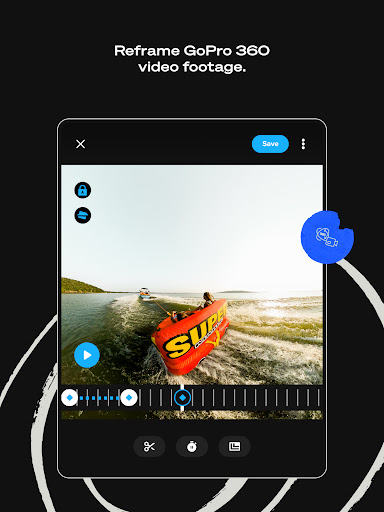
GoPro Quik: Video Editor is an innovative mobile application designed to simplify the video editing process, especially for GoPro users. With its unique features, it allows users to quickly and effectively create stunning videos directly from their smartphones. Whether you're capturing breathtaking scenery or monumental adventures, Quik ensures that every shot is utilized to its fullest potential.
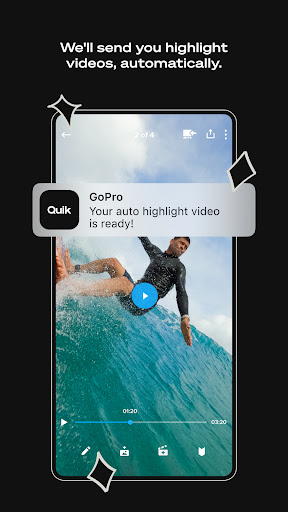
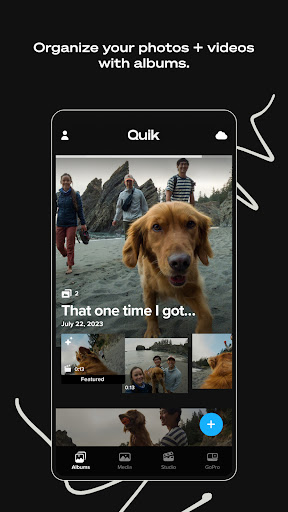
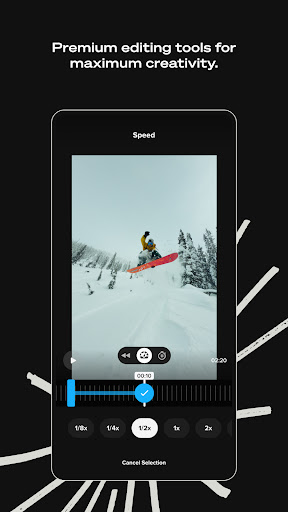
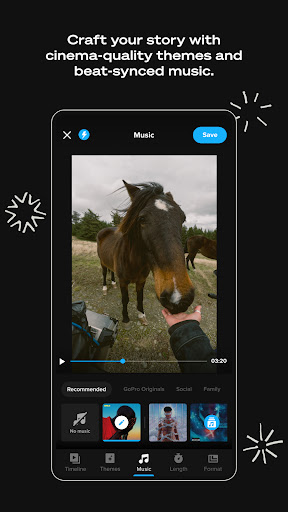
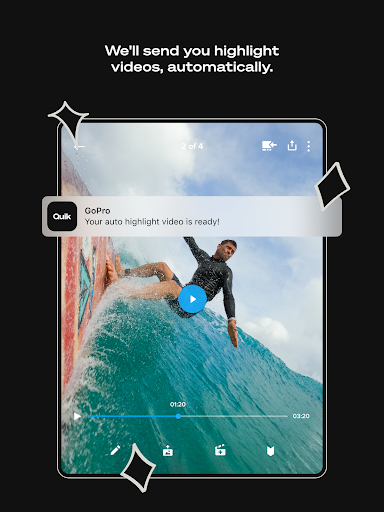
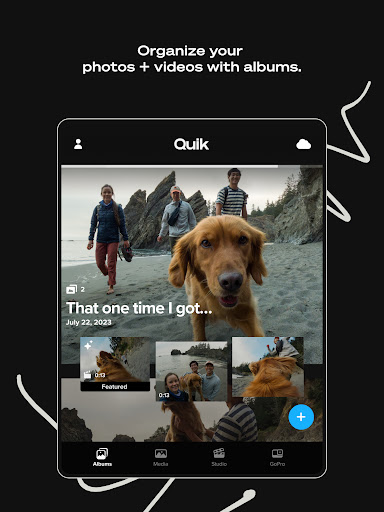
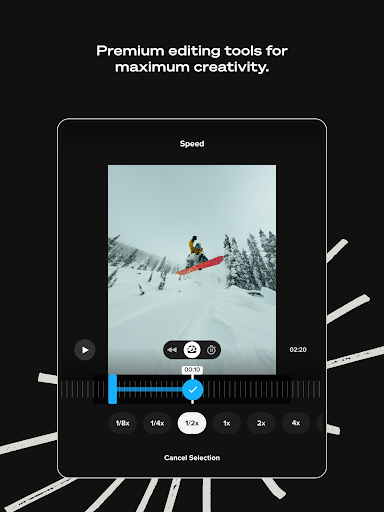
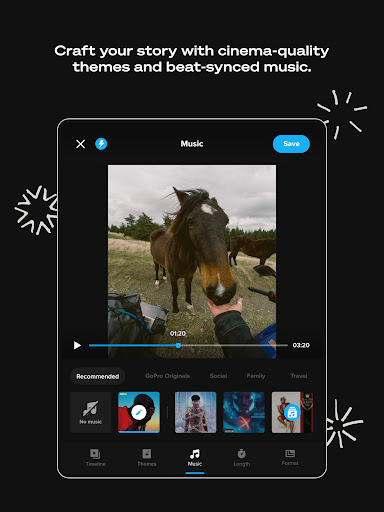
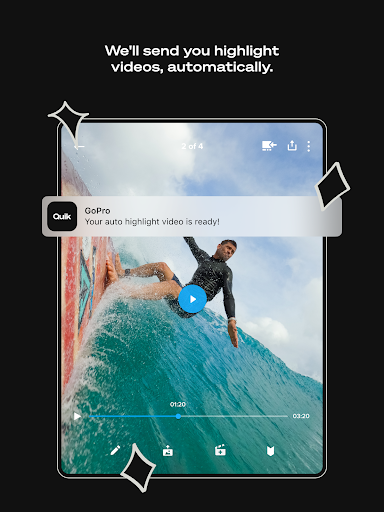
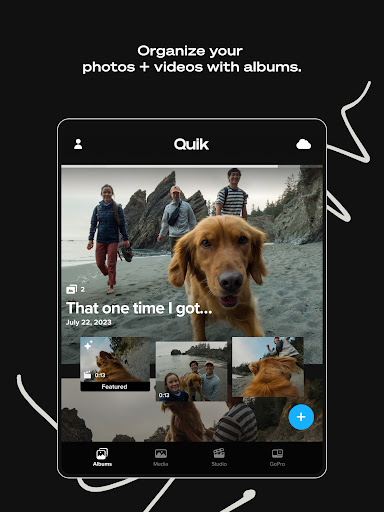
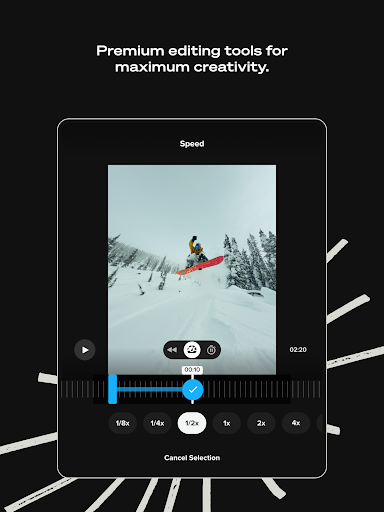
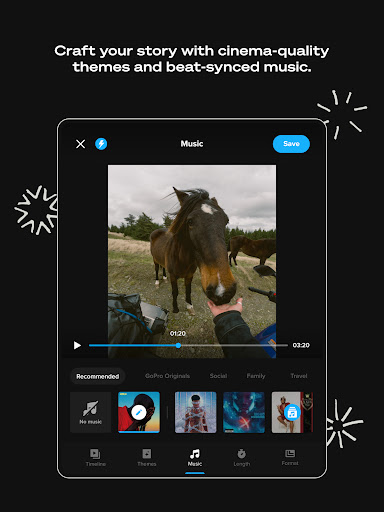
The app features Automatic Highlight videos that intelligently selects the best clips, syncs them with music, and crafts a shareable masterpiece. With options to customize edits using premium tools, users can enhance color, trim video lengths, and add artistic elements like stickers and text overlays. Additionally, it provides unlimited cloud storage at full quality for all your GoPro footage and up to 500GB of other media with a subscription plan, ensuring peace of mind when capturing memorable moments.
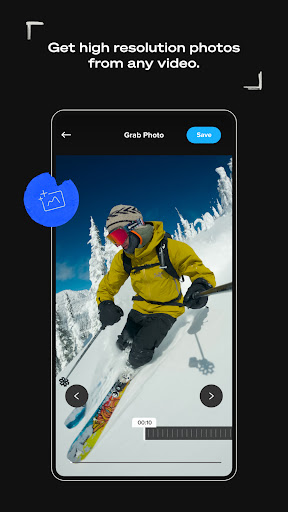
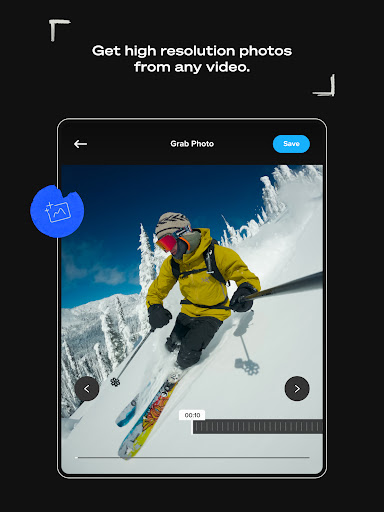
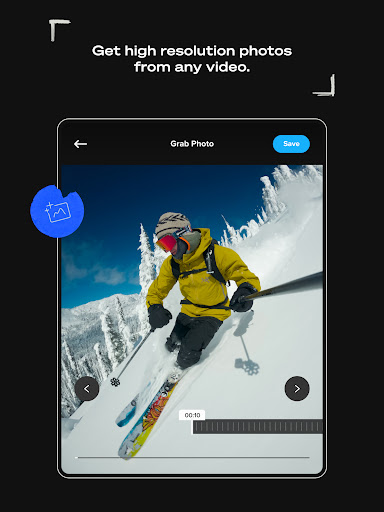
Keen high-flyers and casual videographers alike can make use of features such as Beat Sync, where transitions and effects align perfectly with the rhythm of the music. The Frame Grab function offers high-resolution photos by capturing any frame from a video, making it not just a video editor but also a tool for creating quality stills.
Unfortunately, the app has faced criticism over the years, particularly regarding connectivity issues and the performance when it comes to uploading videos to the cloud. While many users praise the quick editing capabilities, others have expressed frustration due to app lag and downloading problems, impacting the overall user experience. Issues like these suggest opportunities for the developers to improve and streamline the app's performance.
In conclusion, despite some ongoing technical hitches, the GoPro Quik app stands out with its rich features aimed at making video editing accessible and enjoyable for everyone. As long as the bugs and user interface issues are addressed, it promises to be a handy companion for content creators on the go.
Pros
Cons
Comments
Similar Apps

Full HD Movies & TV Shows
Video Players & Editors
4.4

TikTok Studio
Video Players & Editors
4.7
AI Video Maker AI Video Editor
Video Players & Editors
4.4
YouTube Studio
Video Players & Editors
4.4

VN - AI Video Editor
Video Players & Editors
4.7
PowerDirector - Video Editor
Video Players & Editors
4.3

Filmora: AI Video Editor&Maker
Video Players & Editors
4.0
AI Video Editor - Vidma Cut AI
Video Players & Editors
4.6

AI Video Editor - VideoShow AI
Video Players & Editors
4.5

Videoleap: AI Video Editor
Video Players & Editors
4.5
KineMaster - Video Editor
Video Players & Editors
4.4

Noir: USB Camera HDMI Monitor
Video Players & Editors
3.9
Web Video Cast | Browser to TV
Video Players & Editors
4.6

Cast to TV+ Chromecast Roku TV
Video Players & Editors
4.6
Trending Apps

Jily -Match to video chat
Social
4.7

CARFAX Car Care App
Auto & Vehicles
4.8

AutoScout24: Automobile market
Auto & Vehicles
4.6

CARFAX - New & Used Cars
Auto & Vehicles
4.6

Device Clone
Productivity
3.7

Android Device Policy
Tools
3.2

Device Care
Tools
3.9

Squadnox - Game Server Hosting
Tools
2.5

SuperToons Masha and the Bear
Entertainment
4.5

Apples & Bananas Kids App
Education
3.5

Codecademy Go
Education
4.7

Learn Python-Code Lab by Ocean
Education
4.0

Hyperskill: Learn to code
Education
4.8

Code Life - Learn to code
Education
4.4

Encode: Learn to Code
Education
4.5

Learn Python
Education
4.8

Business Marketing Auto Reply
Communication
4.4

WooCommerce
Business
4.7

Glitchy Digital Marketing
Social
4.6

Learn Growth Hacking
Education
4.7